
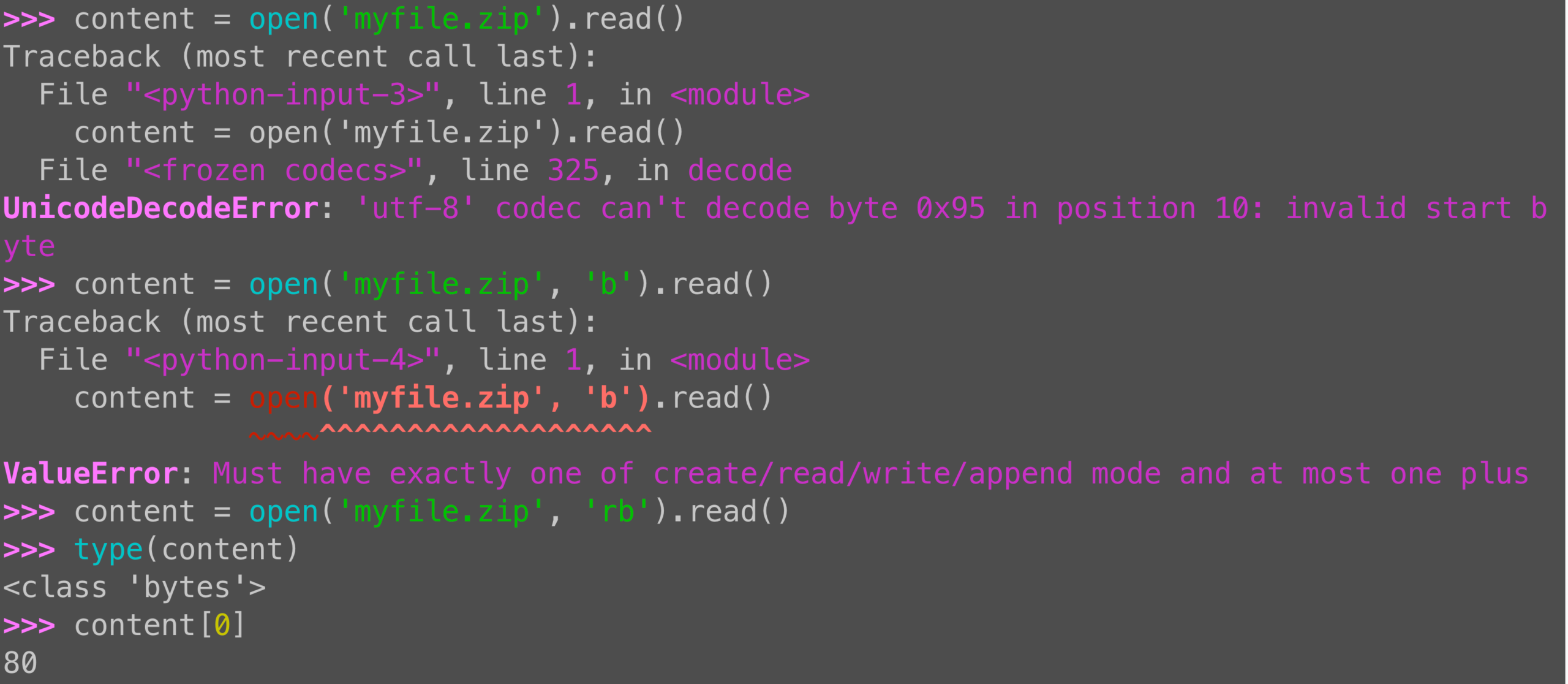
Want to read a non-text file with Python? Specify “rb”, for “read binary,” to avoid errors.
t = open('myfile.zip').read() # error
t = open('myfile.zip', 'rb').read() # works!
What is t? A *byte* string, not a regular text string.
>>> type(t)
<class 'bytes'>